Convert PDF to Word Online — Free & Instant
No email required. No file size tricks. Just drag, drop, and download your Word file in seconds. Formatting preserved — free forever.
Drop your PDF file here
or click to browse — converts to DOCX instantly
Need to convert multiple files? Use batch convert →
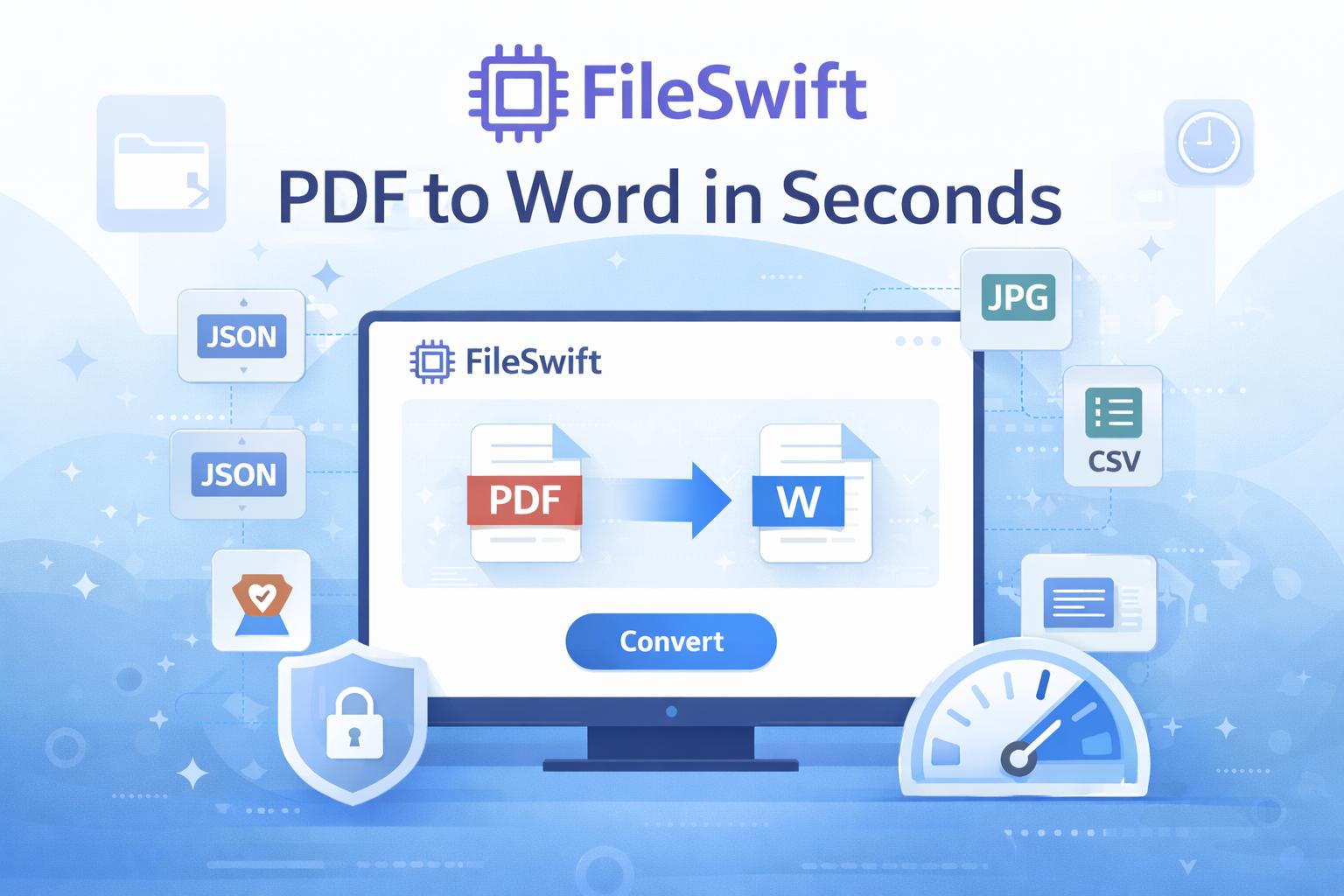
How It Works
Convert your PDF file to Word (DOCX) in three simple steps.
Upload your PDF file
Drag and drop your PDF file onto the FileSwift dashboard, or click to browse and select your file.
Select DOCX as your output format
Choose Word (DOCX) from the conversion options. FileSwift automatically detects the best settings for your file.
Download your converted file instantly
Your converted Word (DOCX) file is ready in seconds. Click download and it's saved directly to your device.
Why Use FileSwift for PDF to Word (DOCX)?
Built for professionals who need fast, reliable file conversion without the friction.
100% Free
No hidden fees, no watermarks, no credit card. Convert as many files as you need every day.
Private & Secure
Your files are encrypted in transit and permanently deleted from our servers after conversion.
No Software Required
Works in any browser on any device — Mac, Windows, iOS, Android. Nothing to install.
Batch Convert
Pro users can upload and convert multiple files at once in a single batch — saving hours of manual work.
Other Popular Conversions
FileSwift supports dozens of file formats. Explore more free tools:
Frequently Asked Questions
Everything you need to know about converting PDF to Word (DOCX).
Ready to Convert Your PDF File?
Join thousands of users converting files with FileSwift. Free forever, no signup required.